Displaying Product Weights (Flower & Concentrates)
How to show flower and concentrate weights on your online menu, and how this changes order cards in Fulfillment.
Written by Shayla Wright · Updated
Carrot can display product weight directly on your online menu for Flower and Concentrate categories. When this feature is enabled, customers will be able to shop a weight filter on the category page on your website.
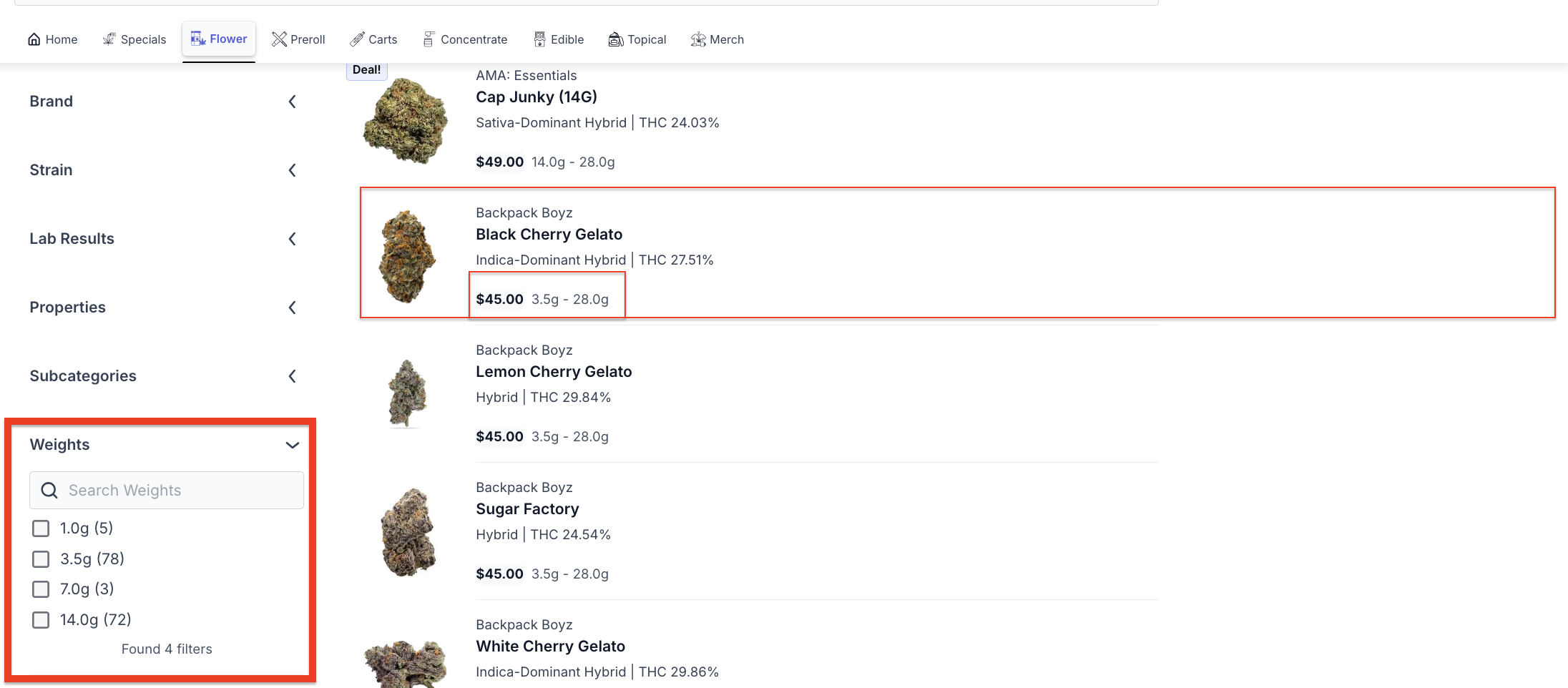
Available weight increments: 1g, 3.5g, 7g, 14g, and 28g (1oz).
Order Cards: Once this feature is turned on, order cards in Fulfillment will reflect the product's weight instead of the quantity of units. For example, an order card will show "3.5g" rather than "1 unit."
If you'd like this feature enabled for your store, please reach out to the Carrot support team.