How to Log In to the Admin App
Written by Sebastian Tory-Pratt · Updated
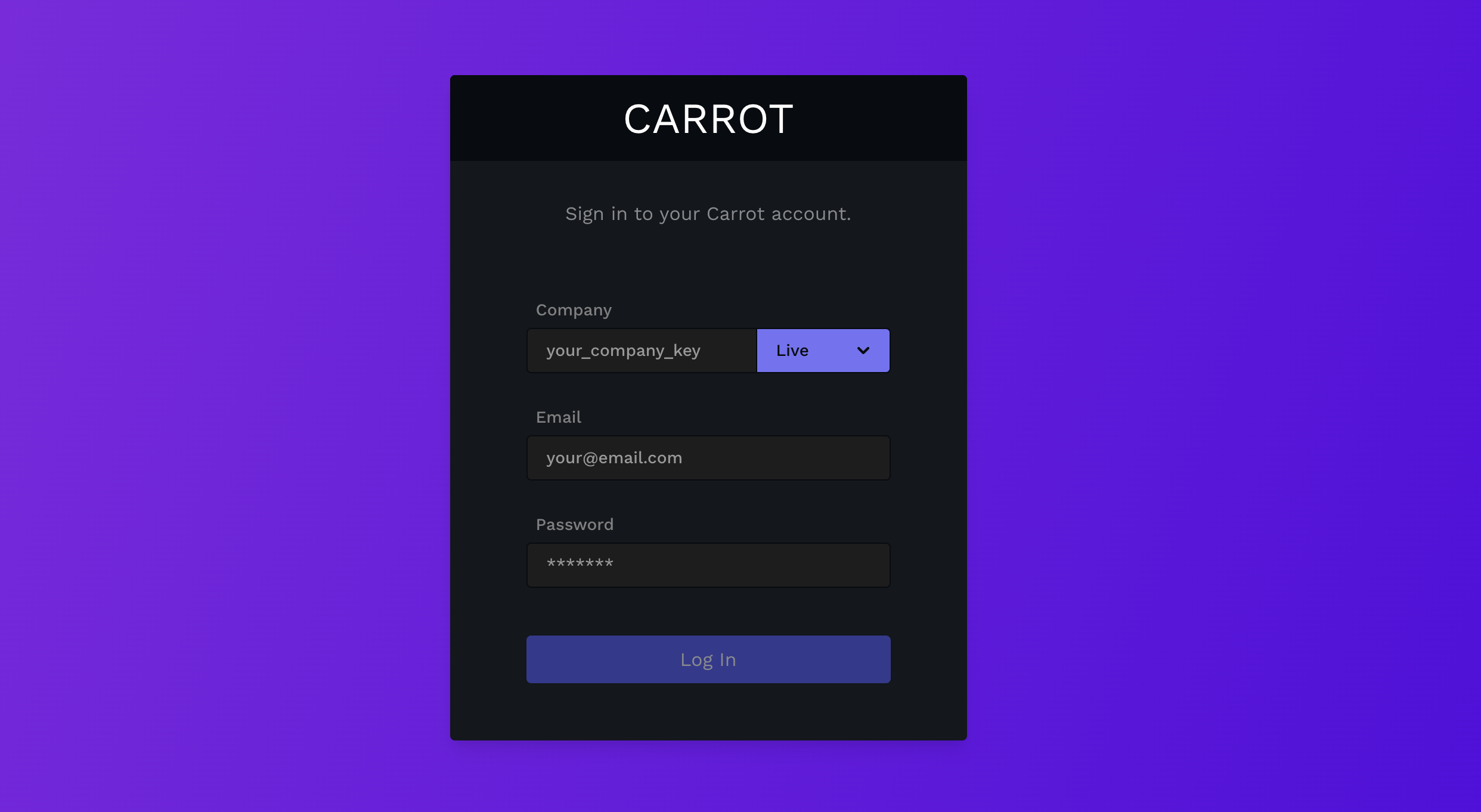
Have your Company Key, email, and password ready.
Your Company Key will typically be related to the name of your dispensary and all lowercase. Example: "Mary Janes Wellness" would turn to "mary_janes_wellness". Your company key will be provided to you during your onboarding process.
Enter all the proper information and select
Livein the dropdown.
If you need a password reset, anyone with a manager staff account can reset it for you.