Intro To Promotions
How to use the promotions tool in Carrot
Written by Sebastian Tory-Pratt · Updated
This is a guide on how to use the Promotions tool in the Carrot Admin App. With this feature you can create promotions that will appear in your online and in-store menus, and are automatically tied in to your inventory system.
Promotions List
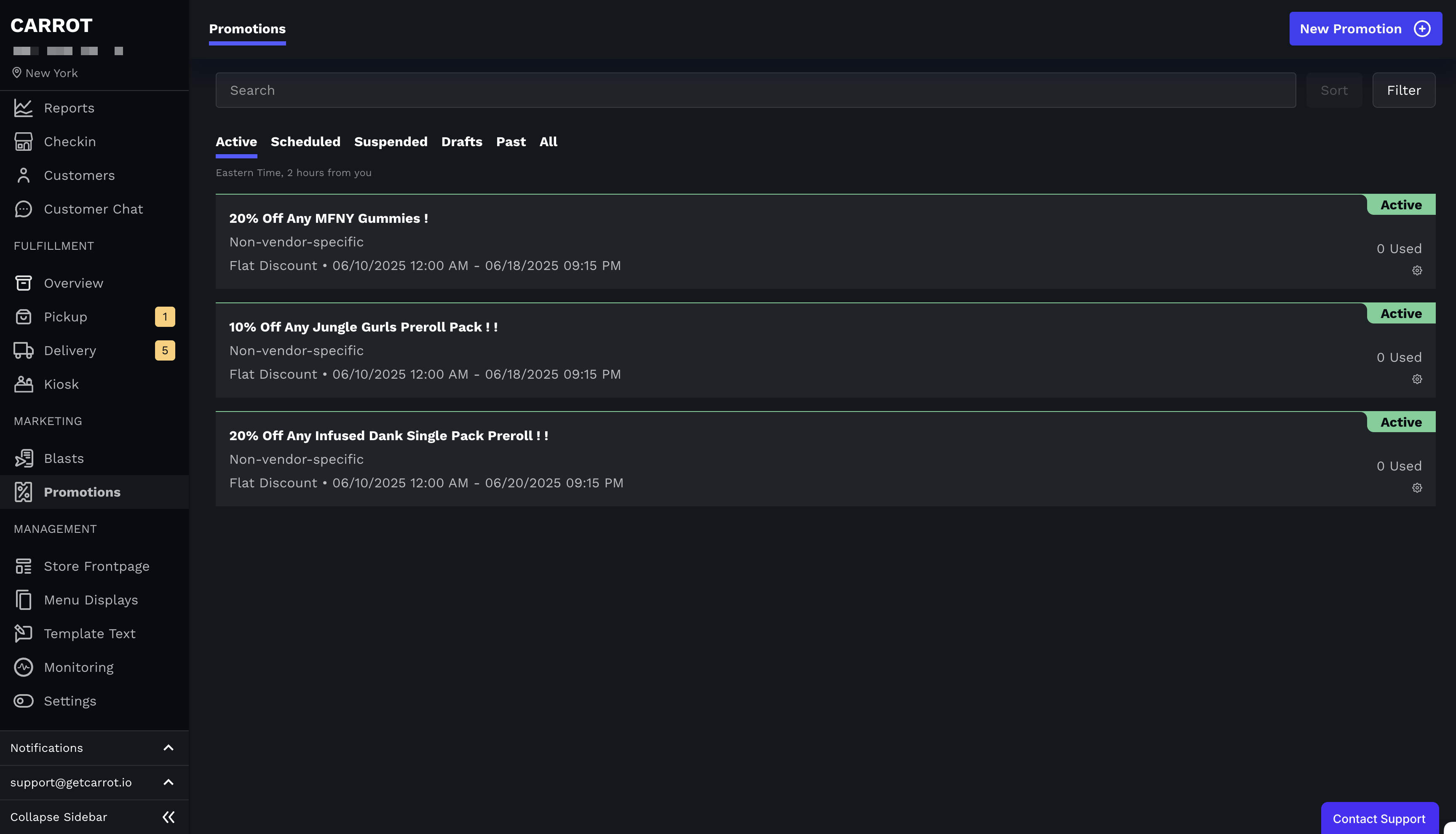
This page contains a list of your promotions
Promotions in the list can have 5 different statuses:
Draft
Scheduled
Active
Suspended
Past
Use the "New Promotion" button to create a new promotions
Click on any promotion to view it
Duplicate, delete or suspend promotions by clicking the cog icon at the bottom right of the card
Promotion Detail Page

Clicking on a promotion or the "New Promotion" button will take you the promotion page
The promotion page for any existing promotions will contain all information you have previously added
You can edit draft and scheduled promotions
Past promotions are not editable, but you can duplicate a past promotion if you want to make a new one that is similar.